Top Trading Laptop Brands and Models for 2026

Premium Options for Professional Day Traders
For serious traders who demand the absolute best performance, these flagship models represent the pinnacle of trading technology. The Dell Precision 7680 stands out with its Intel Core i9-13950HX processor and NVIDIA RTX 5000 Ada graphics, delivering the computational power needed for complex algorithmic trading and real-time market analysis. Its 17.3-inch 4K display provides crystal-clear charts and data visualization.
The MacBook Pro 16″ M3 Max brings Apple’s cutting-edge silicon to trading desks worldwide. The unified memory architecture allows seamless multitasking across dozens of trading platforms simultaneously, while the Liquid Retina XDR display ensures accurate color representation for heat maps and technical indicators.
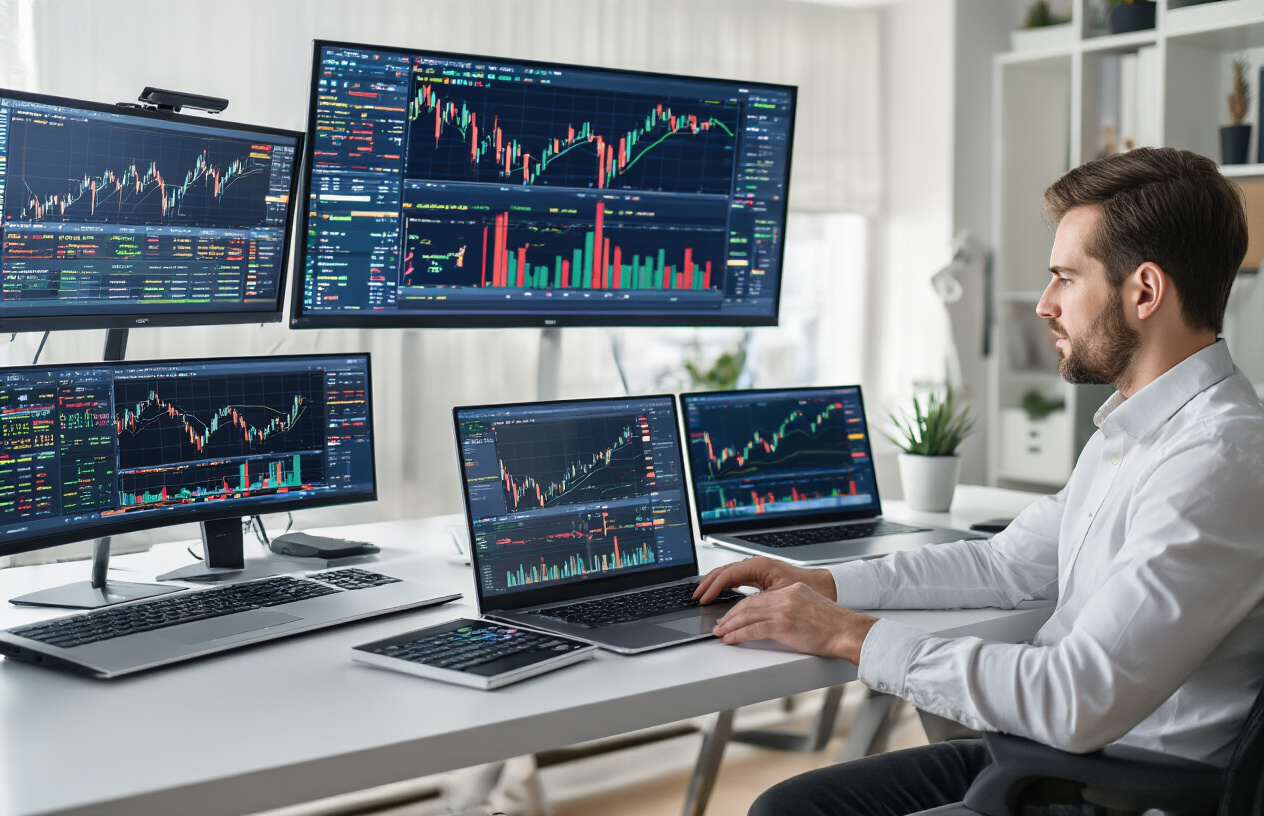
Lenovo ThinkPad P1 Gen 6 combines legendary ThinkPad reliability with workstation-class performance. Its ISV-certified drivers ensure compatibility with professional trading software like Bloomberg Terminal and Reuters Eikon. The laptop features multiple Thunderbolt 4 ports for connecting multiple external monitors.
| Model | Processor | RAM | Storage | Display | Price Range |
|---|
| Dell Precision 7680 | Intel Core i9-13950HX | Up to 128GB DDR5 | Up to 8TB SSD | 17.3″ 4K | $4,000-$8,000 |
| MacBook Pro 16″ M3 Max | Apple M3 Max | Up to 128GB | Up to 8TB | 16.2″ Liquid Retina XDR | $3,500-$7,500 |
| Lenovo ThinkPad P1 Gen 6 | Intel Core i9-13900H | Up to 64GB DDR5 | Up to 4TB SSD | 16″ 4K OLED | $3,000-$6,000 |
Mid-Range Laptops That Deliver Exceptional Value
Smart traders know that exceptional performance doesn’t always require premium pricing. The ASUS ROG Strix G16 offers remarkable value with its Intel Core i7-13700HX processor and 32GB DDR5 RAM configuration. Originally designed for gaming, this laptop excels at handling multiple trading applications thanks to its robust cooling system and high-refresh 165Hz display.
The HP EliteBook 860 G10 brings enterprise-grade security features typically found in more expensive models. Its AMD Ryzen 7 PRO 7840U processor provides excellent energy efficiency for all-day trading sessions, while the 16-inch display offers ample screen real estate for charts and order books.
Lenovo Legion Pro 5 surprises many traders with its trading capabilities. The laptop’s RTX 4070 graphics card accelerates data visualization and machine learning applications, while its advanced thermal management keeps performance consistent during intensive trading periods.
These mid-range options typically feature 16-32GB RAM, fast NVMe SSD storage, and professional-grade displays suitable for extended market analysis. They strike the perfect balance between capability and cost, making them ideal for independent traders and small trading firms.
Budget-Friendly Choices for Beginning Traders
New traders don’t need to break the bank to enter the markets effectively. The Acer Aspire 5 series provides solid fundamentals with Intel Core i5 processors and 16GB RAM configurations starting under $800. While not flashy, these laptops handle basic trading platforms like TradingView, MetaTrader, and TD Ameritrade without issues.
The ASUS VivoBook Pro 15 offers better display quality than typical budget laptops, featuring OLED technology that makes reading charts and market data more comfortable during long trading sessions. Its AMD Ryzen 7 processor provides surprisingly good multitasking performance for the price point.
HP Pavilion 15 models equipped with 16GB RAM and 512GB SSD storage offer excellent entry-level performance. These laptops easily run multiple browser tabs with trading platforms, basic charting software, and communication tools simultaneously.
Budget considerations for new traders:
- RAM: Minimum 16GB for smooth multitasking
- Storage: 512GB SSD for fast boot times and application loading
- Display: 15-inch minimum with IPS panel for better viewing angles
- Connectivity: Wi-Fi 6 for stable internet connections
- Build Quality: Reliable brands with good warranty support
These affordable options prove that effective trading doesn’t require expensive hardware. Focus on reliable performance over premium features when starting your trading journey.
Display Technology That Maximizes Trading Efficiency
Screen Size Recommendations for Optimal Chart Analysis
Trading demands precise visual analysis, and screen size directly impacts your ability to spot market patterns and execute trades effectively. For serious traders, 15.6-inch displays serve as the minimum viable option, providing adequate space for basic charting while maintaining portability. However, 17-inch screens deliver the optimal balance between workspace and mobility, allowing you to view multiple charts simultaneously without squinting at compressed data.
Professional day traders often prefer laptops with 17.3-inch displays because they can comfortably monitor 4-6 trading windows at once. This screen real estate proves invaluable when tracking correlations across different markets or timeframes. Larger displays reduce the constant window switching that can cause you to miss critical price movements during volatile trading periods.
Ultra-wide 21:9 aspect ratio displays, though less common in laptops, offer exceptional horizontal space for charting applications. These screens excel at displaying extended candlestick patterns and longer-term trend analysis without requiring horizontal scrolling.
Resolution Standards That Reveal Critical Market Details
Sharp price action requires crisp visual clarity that only high-resolution displays can provide. 4K (3840×2160) resolution stands as the gold standard for trading laptops in 2026, delivering pixel density that renders even the smallest price movements with perfect clarity. This resolution proves particularly valuable when analyzing busy charts with multiple indicators overlapping.
The enhanced detail of 4K displays becomes apparent when examining candlestick wicks, support and resistance levels, and precise entry points. Trading platforms like MetaTrader, TradingView, and ThinkorSwim utilize this extra resolution to display cleaner lines, sharper text, and more detailed price action.
While Full HD (1920×1080) remains functional for basic trading, it lacks the precision needed for advanced technical analysis. The difference becomes stark when viewing complex chart patterns or when multiple indicators crowd the display space.
| Resolution | Pixel Density | Trading Suitability | Recommended Use |
|---|
| 4K (3840×2160) | High | Excellent | Professional trading |
| QHD (2560×1440) | Medium-High | Very Good | Active traders |
| Full HD (1920×1080) | Standard | Basic | Casual trading |
Color Accuracy Features for Technical Indicator Precision
Accurate color reproduction directly affects your ability to interpret technical indicators and market signals. Professional-grade displays with 99% sRGB color gamut coverage ensure that red and green candlesticks, moving averages, and custom indicators appear with their intended colors. This accuracy prevents misinterpretation of signals that could lead to costly trading mistakes.
IPS (In-Plane Switching) panels provide superior color consistency compared to TN panels, maintaining accurate colors even when viewing charts from different angles. This feature proves essential during long trading sessions when you might not maintain perfect screen positioning.
Delta E color accuracy ratings below 2 indicate professional-level color precision. Trading platforms rely heavily on color-coded information – from bullish green and bearish red indicators to custom oscillator colors that traders use for specific strategies.
OLED technology, while still emerging in trading laptops, offers perfect blacks and infinite contrast ratios that make chart reading exceptionally clear. The deep blacks help technical indicators stand out more prominently against dark chart backgrounds.
Anti-Glare Technologies for Extended Trading Sessions
Market hours often extend into bright daylight periods, making anti-glare protection essential for maintaining visual clarity throughout trading sessions. Matte screen coatings effectively diffuse ambient light, preventing the harsh reflections that can obscure critical price movements during peak trading hours.
Anti-reflective coatings go beyond basic matte finishes by chemically treating the display surface to minimize light bounce-back. These coatings prove particularly valuable for traders who work near windows or under bright office lighting where screen reflections could mask important chart details.
Blue light filtering technology helps reduce eye strain during marathon trading sessions that can last 8-12 hours. Many modern trading laptops include adaptive blue light filters that automatically adjust based on ambient lighting conditions and time of day.
Low blue light certification ensures that displays meet health standards for extended computer use. This feature becomes critical for traders who monitor overnight markets or participate in extended trading sessions across multiple time zones.
Brightness levels of 300-400 nits provide adequate visibility in most trading environments, while 500+ nits handle bright office settings or outdoor trading scenarios. However, excessive brightness can cause eye fatigue, so displays with automatic brightness adjustment help maintain optimal viewing comfort throughout changing lighting conditions.
Connectivity Features That Keep You Connected to Markets
Multiple USB Ports for Trading Peripherals
Modern trading requires multiple devices running simultaneously, making USB connectivity absolutely critical. The best trading laptops should feature at least four USB ports, with a mix of USB-A and USB-C connections. You’ll need these ports for essential trading peripherals like mechanical keyboards, precision mice, external number pads, and backup storage devices.
Professional traders often connect specialized hardware including multiple monitors via USB-C docking stations, hardware security keys for two-factor authentication, and external hard drives for data backup. Some traders also use USB-powered cooling pads during intensive trading sessions or USB hubs to expand their connectivity options even further.
The positioning of USB ports matters too. Look for laptops with ports on both sides, preventing cable congestion that can interfere with your workspace setup. USB 3.2 or higher speeds ensure rapid data transfers when backing up trading logs or importing market data files.
Thunderbolt Connections for External Monitor Arrays
Thunderbolt 4 ports represent the gold standard for serious traders who depend on multiple external displays. A single Thunderbolt 4 connection can drive two 4K monitors at 60Hz or one 8K display, delivering the bandwidth needed for real-time market data across multiple screens.
Daisy-chaining capabilities allow you to connect several monitors through one port, reducing cable clutter while maintaining crystal-clear display quality. This setup proves invaluable when monitoring different markets, charts, news feeds, and trading platforms simultaneously.
Thunderbolt connections also support high-speed data transfer rates up to 40 Gbps, enabling rapid synchronization with network-attached storage systems where you might store historical trading data or automated trading algorithms. The backwards compatibility with USB-C means your existing peripherals remain functional while future-proofing your setup.
Wi-Fi 6E and Ethernet Options for Reliable Internet Access
Network connectivity can make or break trading success, especially during volatile market conditions when every millisecond counts. Wi-Fi 6E technology operates on the less congested 6GHz frequency band, providing faster speeds and lower latency compared to previous wireless standards.
The 6E standard supports speeds up to 9.6 Gbps with reduced interference from other devices, crucial when streaming live market data or executing rapid-fire trades. Multi-user capabilities ensure consistent performance even in busy trading floors or co-working spaces where multiple devices compete for bandwidth.
However, wired connections remain superior for mission-critical trading. Gigabit Ethernet ports provide the most stable, low-latency connection possible. Many professional trading platforms recommend wired connections to minimize the risk of connection drops during important market events.
Smart trading laptops include both options, allowing you to use Ethernet as your primary connection while keeping Wi-Fi 6E as a reliable backup. Some models feature dual Ethernet ports for redundancy, ensuring you stay connected even if one network fails. This dual-network approach has saved countless traders from missing opportunities during network outages.
Battery Life and Portability Considerations for Active Traders
Power Management for All-Day Trading Sessions
Modern trading requires laptops that can handle intensive workloads for 8-12 hours straight without dying mid-session. The difference between missing a crucial trade and capitalizing on market opportunities often comes down to your laptop’s power endurance.
Professional trading laptops should deliver at least 8 hours of real-world battery life under trading conditions. This means running multiple trading platforms, streaming live market data, executing complex calculations, and maintaining constant internet connectivity. Look for laptops with 90Wh+ batteries and efficient processors like Intel’s latest H-series or AMD Ryzen 7000 series chips that balance performance with power consumption.
Power profiles make a huge difference. Set up custom power plans that prioritize CPU performance during active trading hours while reducing background processes that drain battery unnecessarily. Windows’ Battery Saver mode can extend runtime by 20-30% when you need those extra hours during volatile market sessions.
Smart charging features like battery threshold controls prevent overcharging damage when you’re plugged in for extended periods. Some laptops now include rapid charging that delivers 80% capacity in under an hour, perfect for quick breaks between trading sessions.
Weight and Size Factors for Mobile Trading Success
Trading on the go requires finding the sweet spot between screen real estate and portability. Most professional traders prefer 15-17 inch laptops that provide enough screen space for multiple charts and trading interfaces while remaining reasonably portable.
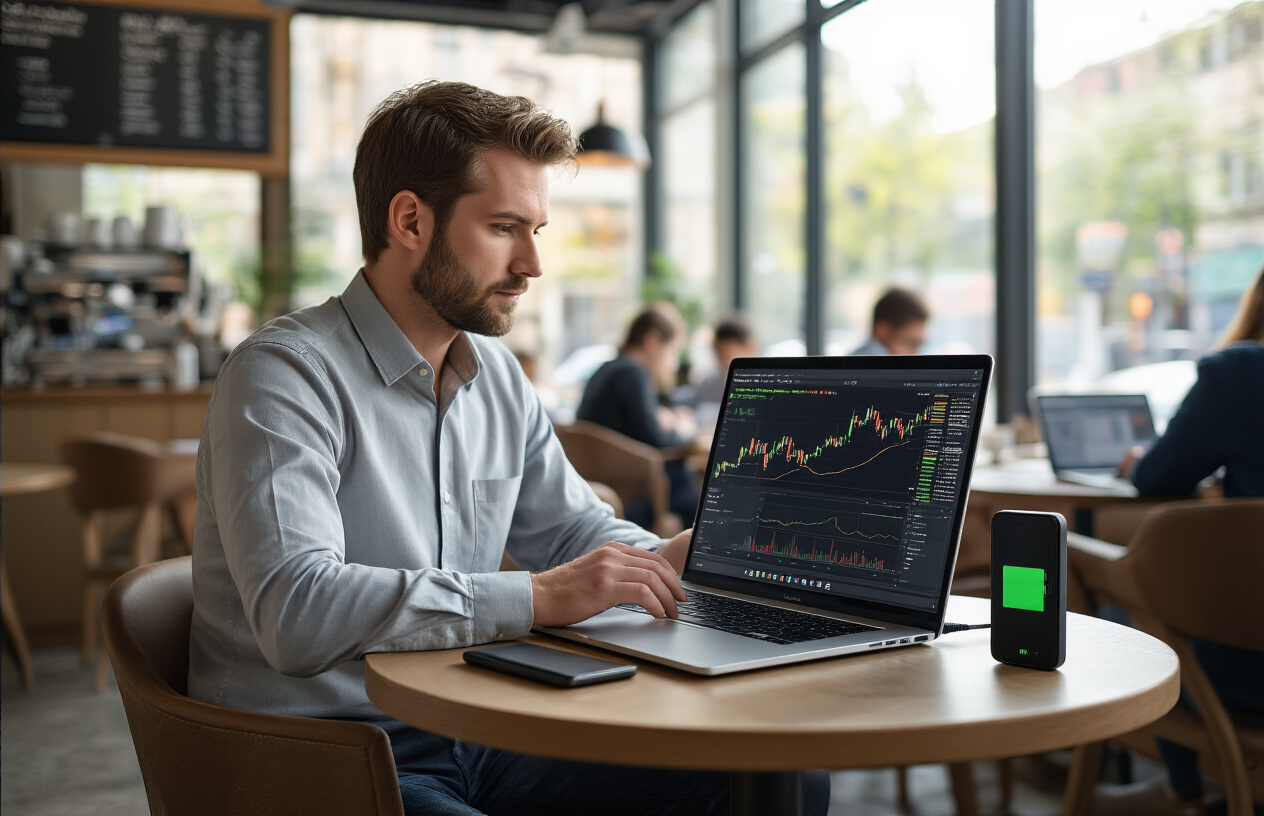
Weight becomes critical if you’re frequently moving between offices, coffee shops, or traveling for trading conferences. Laptops under 4 pounds offer excellent mobility, but you’ll sacrifice some performance and battery capacity. The 4.5-6 pound range hits the best balance for serious traders who need both power and portability.
Consider your daily carry setup. A laptop that weighs 5 pounds might seem reasonable until you add the charger (1-2 pounds), external accessories, and other gear. Your total bag weight can easily reach 8-10 pounds, making lighter laptops much more attractive for daily commuting.
Slim profiles under 0.8 inches thick fit easily into most bags and briefcases. However, ultra-thin designs often compromise on port selection and cooling efficiency, both crucial for trading applications.
Thermal Management to Prevent Performance Throttling
Heat is the enemy of consistent trading performance. When laptops overheat, they automatically reduce processor speeds to prevent damage, causing sluggish response times exactly when you need peak performance during high-volume trading periods.
Quality thermal design includes multiple heat pipes, large heat sinks, and strategically placed exhaust vents. Laptops with dual-fan cooling systems handle sustained workloads better than single-fan designs. Look for models with dedicated cooling for both CPU and GPU components.
Thermal throttling typically kicks in around 85-90°C for most processors. Professional trading laptops should maintain temperatures below 80°C under full load. Some manufacturers offer performance modes that boost fan speeds during intensive tasks, accepting slightly more noise for better thermal control.
Elevated laptop stands improve airflow underneath the chassis, reducing temperatures by 5-10°C. This simple addition can prevent throttling during extended trading sessions and extend your laptop’s lifespan.
Clean air vents regularly to prevent dust buildup that blocks airflow. Compressed air cleaning every 3-4 months maintains optimal cooling performance.
Charging Solutions for Uninterrupted Market Access
Reliable charging becomes critical when markets never sleep. USB-C Power Delivery has revolutionized laptop charging, allowing you to power your trading laptop from portable power banks, car chargers, or even smartphone chargers in emergency situations.
Look for laptops that support 65W+ USB-C charging. This flexibility means you can charge from multiple sources and carry smaller, universal chargers instead of bulky proprietary adapters. Some trading laptops now support 100W+ USB-C charging for rapid power restoration.
Backup power solutions protect against unexpected outages. Portable power stations with AC outlets can keep your trading setup running for hours during power failures. Compact 20,000mAh power banks with USB-C PD provide 4-6 hours of extended runtime for most trading laptops.
Car charging adapters enable trading during long commutes or while traveling between offices. High-wattage car chargers (90W+) can actually charge your laptop while using it, not just maintain the current battery level.
Consider laptops with pass-through charging that protect the battery when plugged in continuously. This feature extends battery life for traders who work primarily from fixed locations but need portable capability.
Security Features That Protect Your Trading Capital
Biometric Authentication for Secure Account Access
Your trading accounts hold significant capital, making them prime targets for cybercriminals. The latest trading laptops incorporate advanced biometric authentication systems that go far beyond simple passwords. Fingerprint scanners have evolved dramatically, now featuring capacitive sensors that read ridge patterns with military-grade precision. These systems can detect fake fingerprints and require a live finger touch, preventing unauthorized access even if someone obtains your fingerprint data.
Windows Hello facial recognition represents another breakthrough in trading security. Using infrared cameras and 3D mapping technology, these systems create a detailed facial signature that’s nearly impossible to spoof. The authentication happens in seconds, allowing you to access your trading platforms without typing passwords while maintaining bank-level security.
Many professional trading laptops now include iris scanning capabilities, particularly valuable for high-frequency traders managing multiple accounts. This technology reads the unique patterns in your eye’s iris, providing authentication accuracy that exceeds 99.9%. The integration is seamless – simply look at your screen and gain instant access to your trading environment.
Multi-factor biometric combinations offer the highest security level. Top-tier trading laptops allow you to combine fingerprint and facial recognition, creating a dual-verification system that makes unauthorized access virtually impossible. This layered approach protects against both physical theft and sophisticated digital attacks.
Conclusion
The trading landscape continues to evolve rapidly, and having the right laptop setup can make or break your trading success. From powerful processors and ample RAM to multiple high-resolution displays and rock-solid security features, today’s trading laptops need to handle everything you throw at them. The brands leading the charge in 2026 offer machines specifically designed for the unique demands of active traders, with lightning-fast connectivity options that keep you plugged into the markets no matter where you are.
When you’re choosing your next trading laptop, don’t compromise on the basics. Prioritize processing power, display quality, and security features over flashy extras that won’t impact your bottom line. Remember that a reliable machine with excellent battery life can be the difference between catching that perfect trade opportunity and watching it slip away. Take the time to evaluate your specific trading style and needs before making your investment – your future profits will thank you for getting the foundation right.